Overview
Depending on the billing country, different plugins are required:
- To apply for a UK (🇬🇧) account, your store needs to have
Clearpayinstalled. The app store installation address is: https://apps.shopify.com/oceanpayment-clearpay; - To apply for a US (🇺🇸) account, your store needs to install
Cash App Afterpay. The app store installation address is: https://apps.shopify.com/cash-app-afterpay; - To apply for accounts in Australia 🇭🇲 and Canada 🇨🇦, your store needs to install
Afterpay. The app store installation address is: https://apps.shopify.com/oceanpayment-afterpay。
warning
If you support multiple regions, you can use EasyPay - Payment Rules to show the right Afterpay app per country (e.g. Clearpay for GB, Cash App Afterpay for US, Afterpay for AU/CA).
For detailed instructions, please refer to 🎯EasyPay - Payment Rules Instructions for use
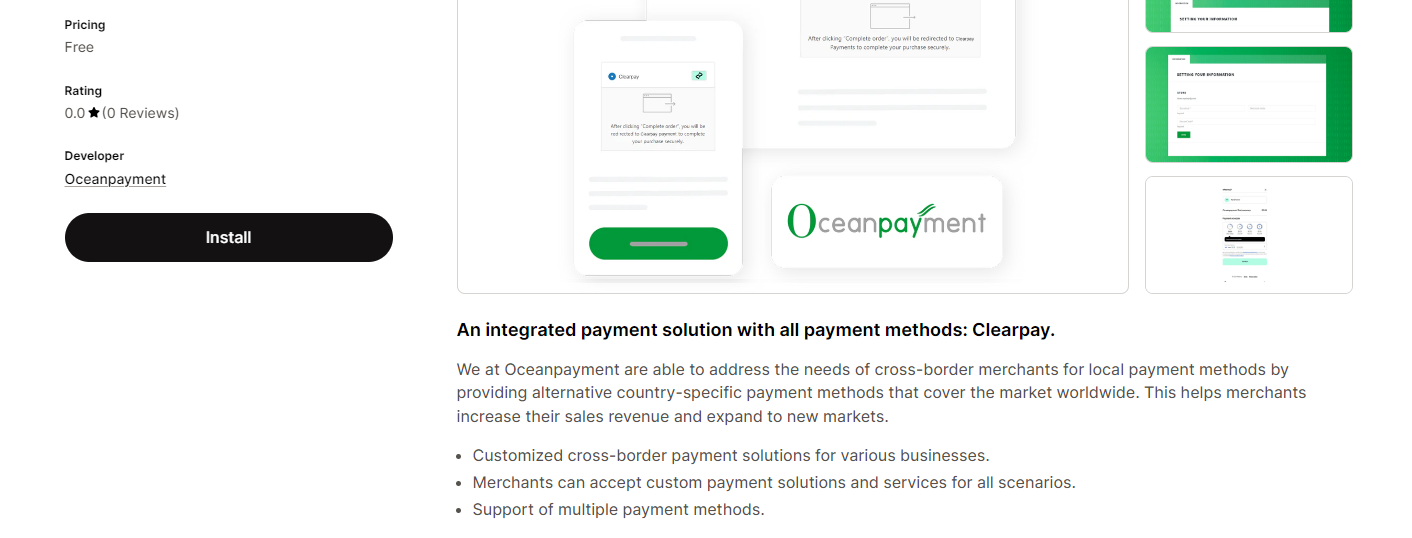
Installation
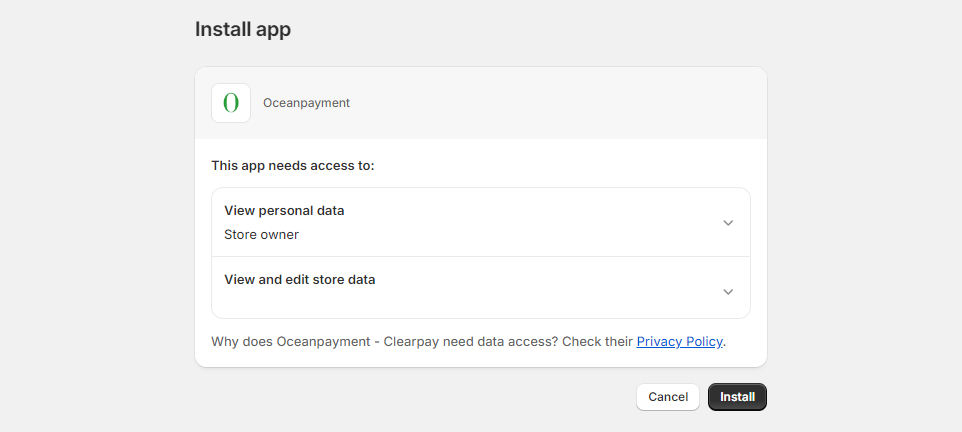
- Access the corresponding installation address to enter the Install app installation page.
Configuration Information
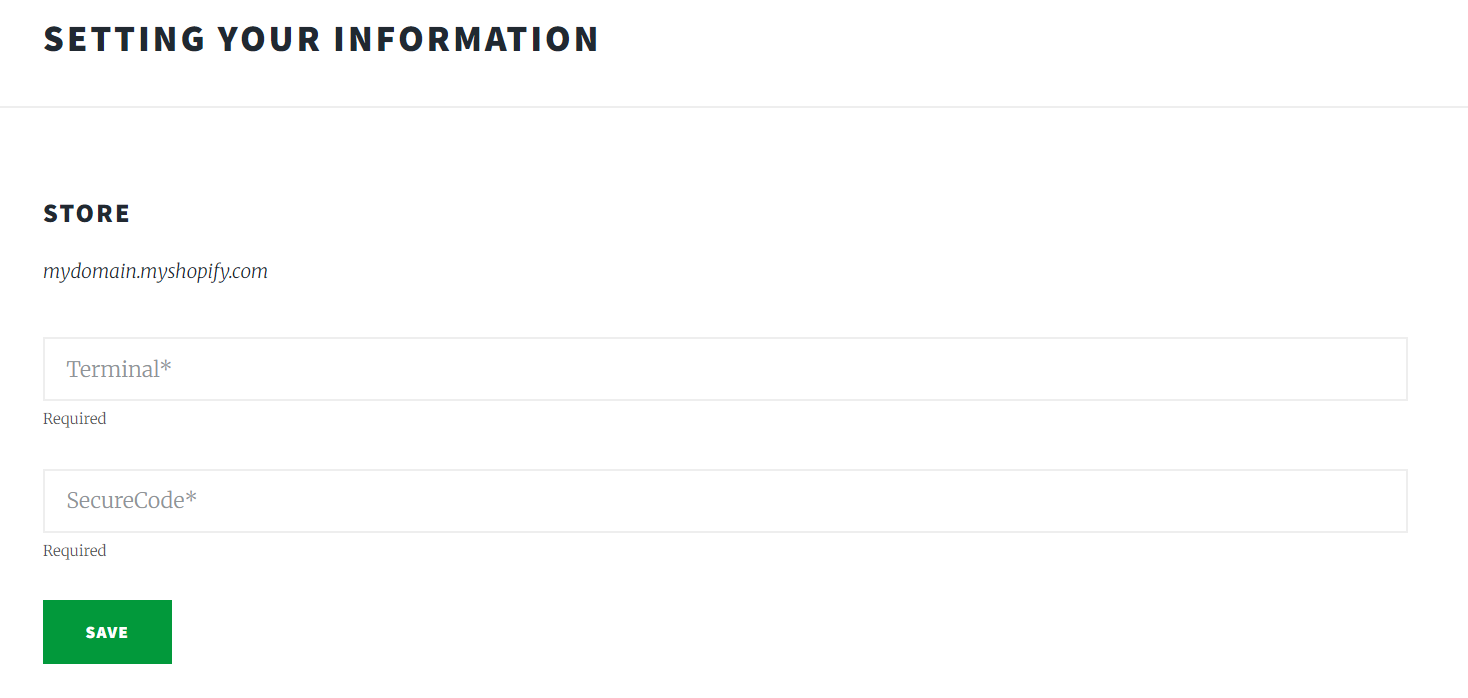
- Fill in the configuration information provided by Oceanpayment: Terminal, SecureCode, and save.
Payment Logo
- Select the Afterpay payment logo.
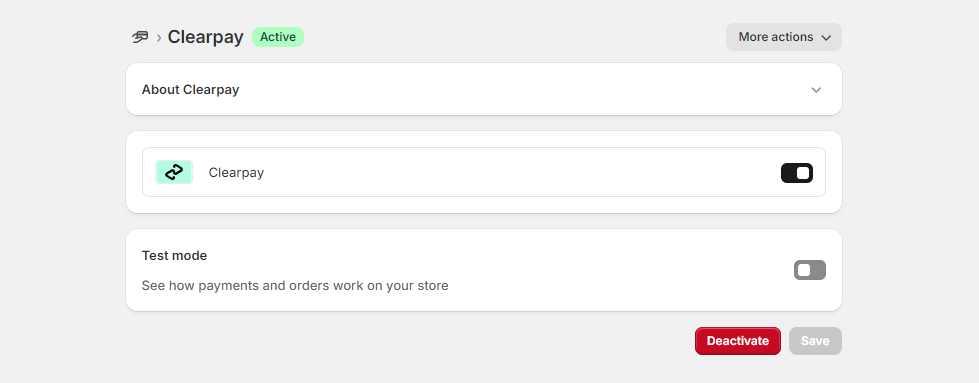
- Clearpay
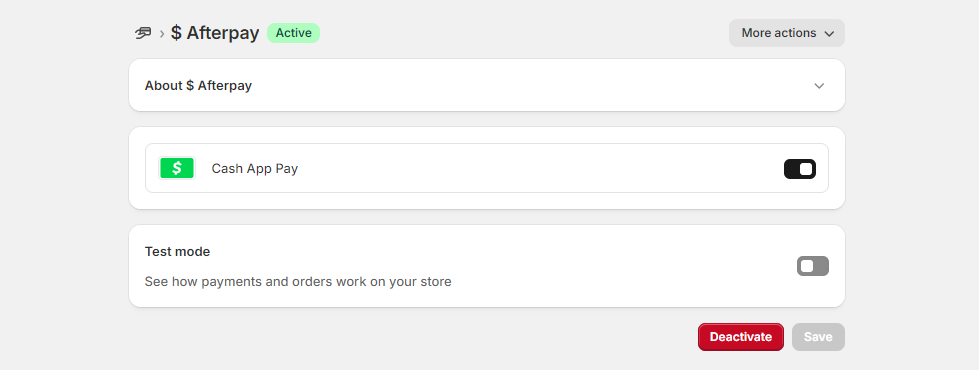
- $ Afterpay
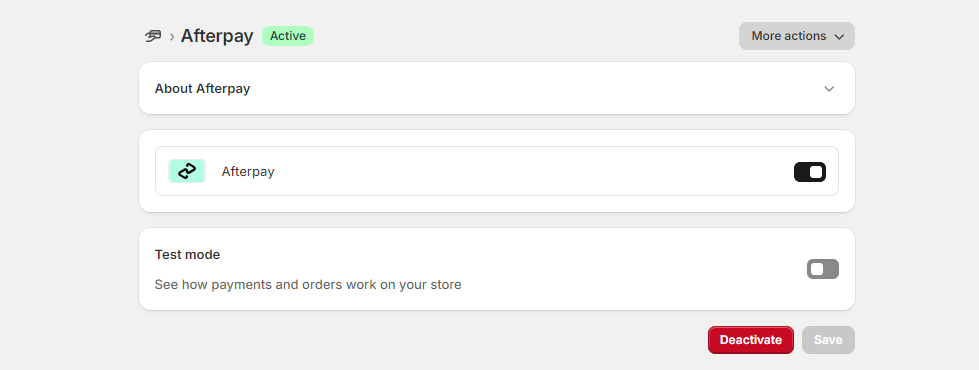
- Afterpay


Environmental Description
- Do not select "Test mode", otherwise, the test environment will be submitted.

Authorization Function
- Default: Automatic authorization at checkout, If you require manual authorization, contact Oceanpayment support.
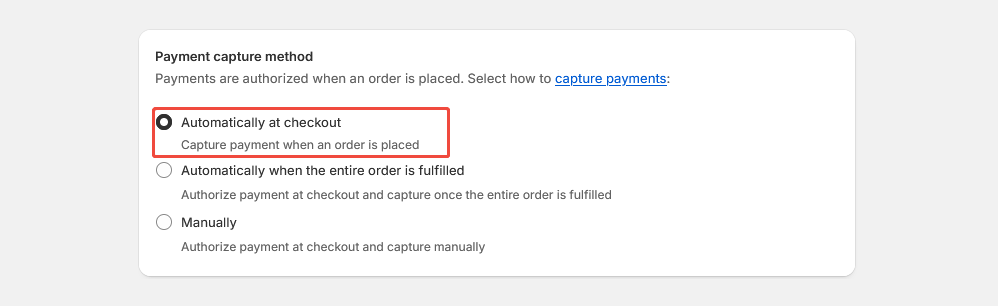
- The default setting for transactions is automatic authorization: [Payment capture method] - [Automatically at checkout]. In this case, pre-authorized orders need to be authorized in the Oceanpayment account backend.
- When you set a transaction to manual authorization: 【Payment capture method】-【Manually】, the pre-authorized order will need to be authorized in the Shopify backend.
Uninstall
- In Settings - Payments, find the Afterpay/$Afterpay/Clearpay payment method and click Deactivate.
- Clearpay
- $ Afterpay
- Afterpay