Installation
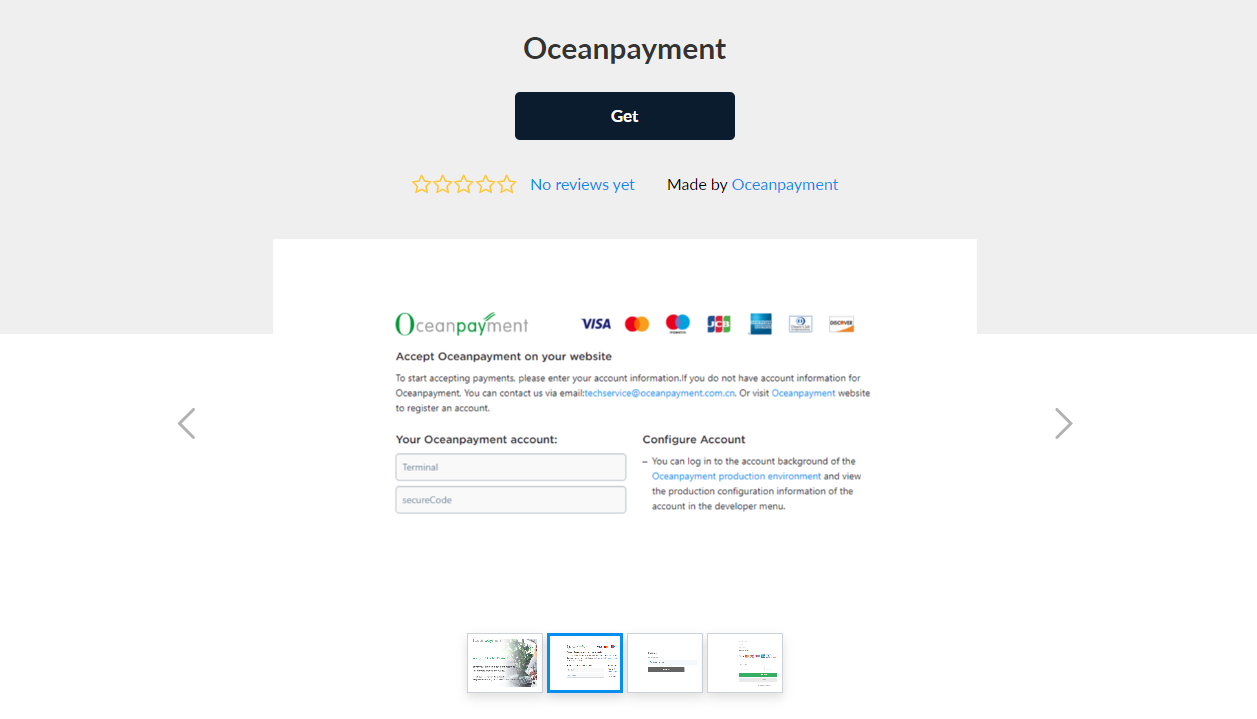
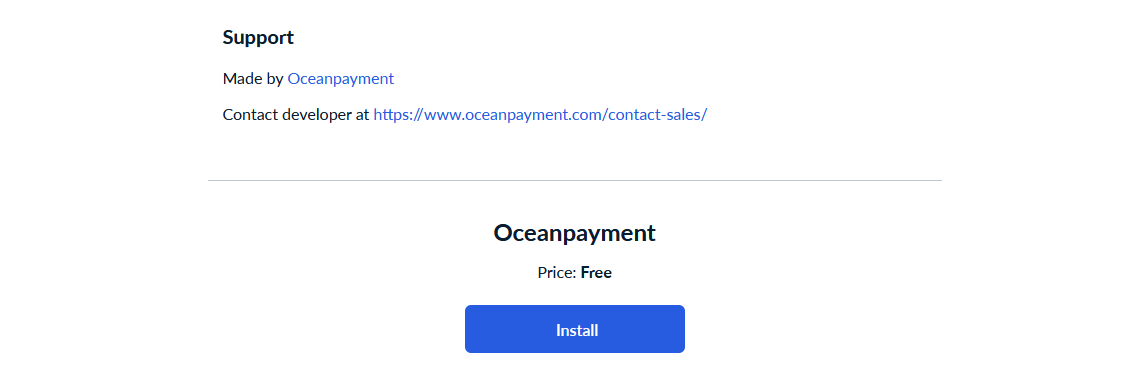
- Log in to your Ecwid store backend (https://my.ecwid.com/cp) and find and install Oceanpayment in the Ecwid App Store: https://www.ecwid.com/apps/featured/oceanpayment
Configuration Information
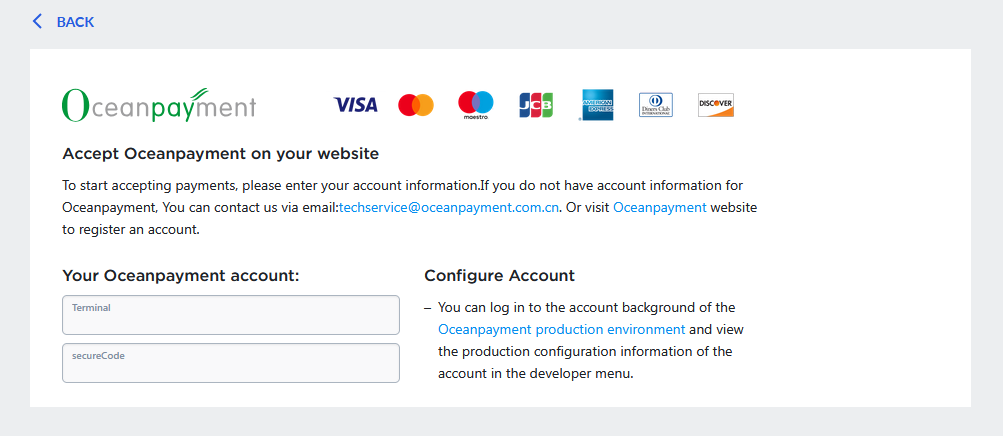
- Fill in the configuration information provided by Oceanpayment, including Terminal and SecureCode, and click "Return" to save automatically.
Uninstall
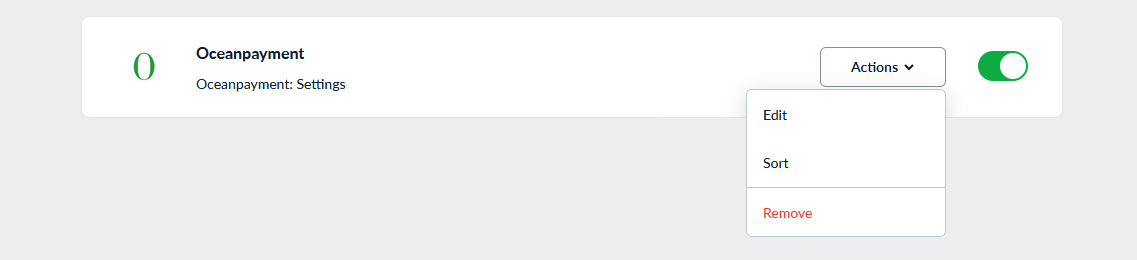
- In the Payments section, find Oceanpayment and click Remove.