Installation
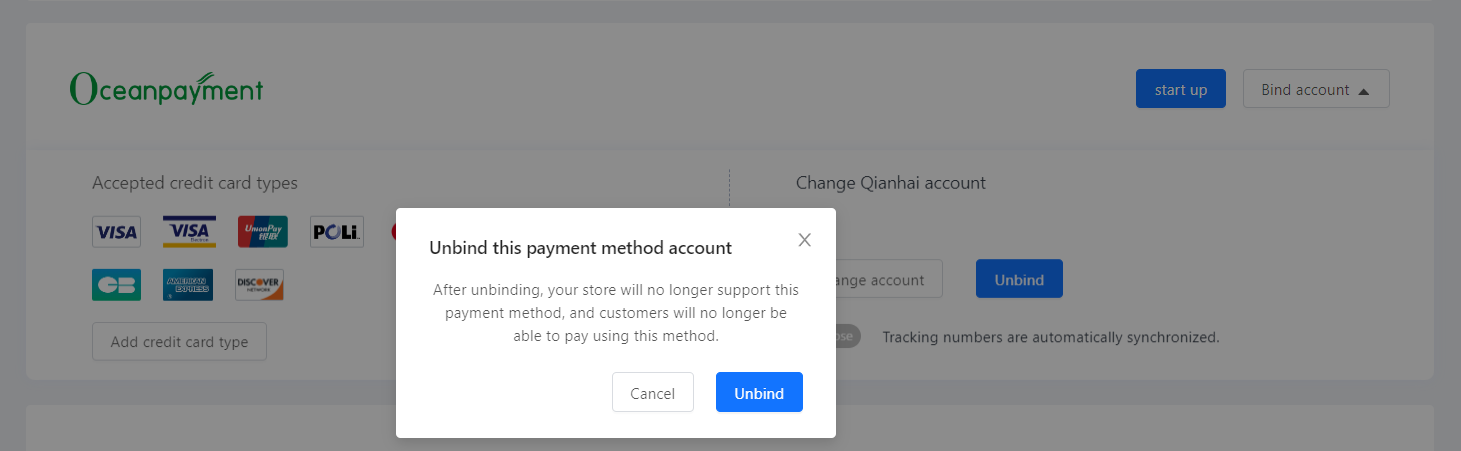
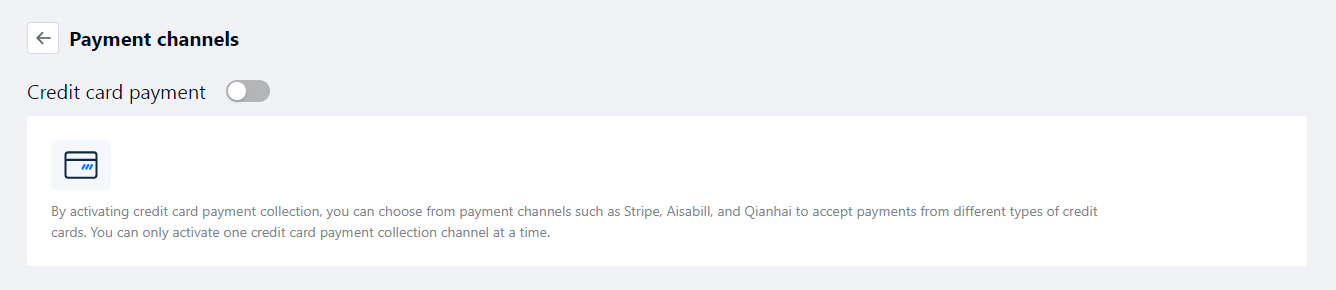
- Log in to the Shoptop store backend (https://accounts.shoptop.com/login), go to Settings - Payment Channels - Credit Card Payments - select Oceanpayment direct connection, and click Bind Account.

Configuration Information
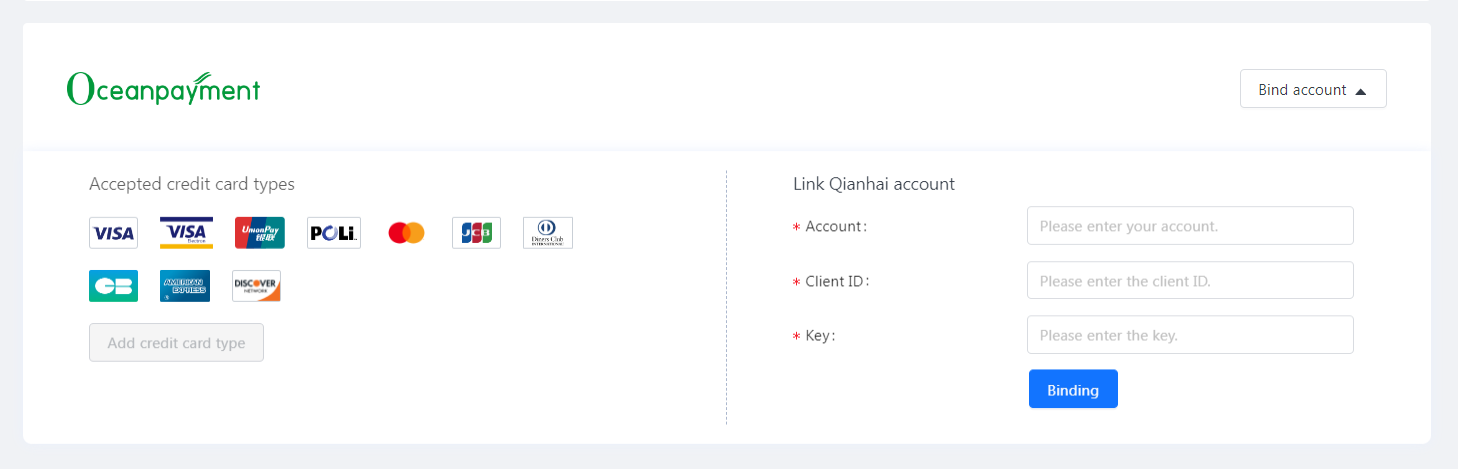
- Fill in the configuration information provided by Oceanpayment: account, terminal, and secureCode.
Payment Logo
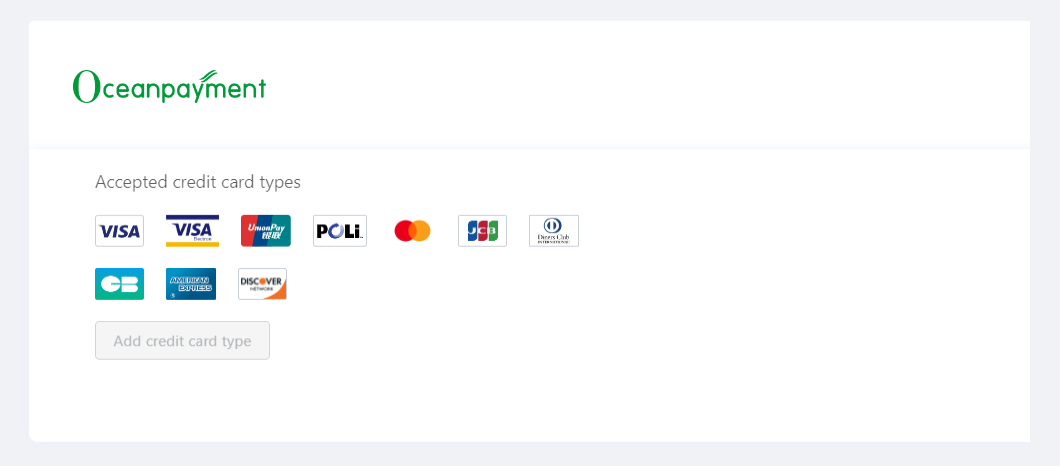
- Select the supported payment methods, you don't need to select any methods you haven't applied for.
Uninstall
- Find your credit card payment method and click Unbind.