Installation
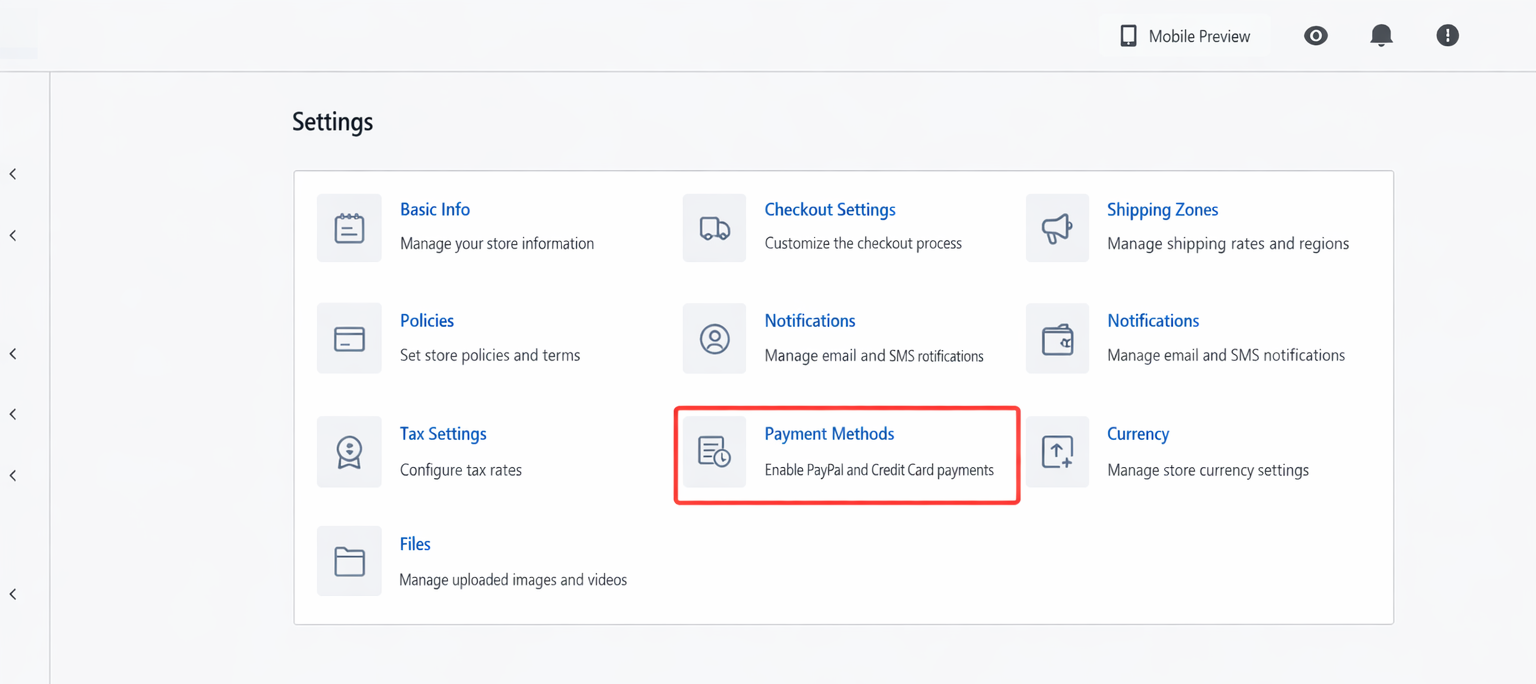
- Log in to the Shoprise store backend (https://shoprise.com/register), go to Settings - Payment Methods - Credit Card Payment - Add Payment Channel - Oceanpayment Credit Card → Activate.

Configuration Information
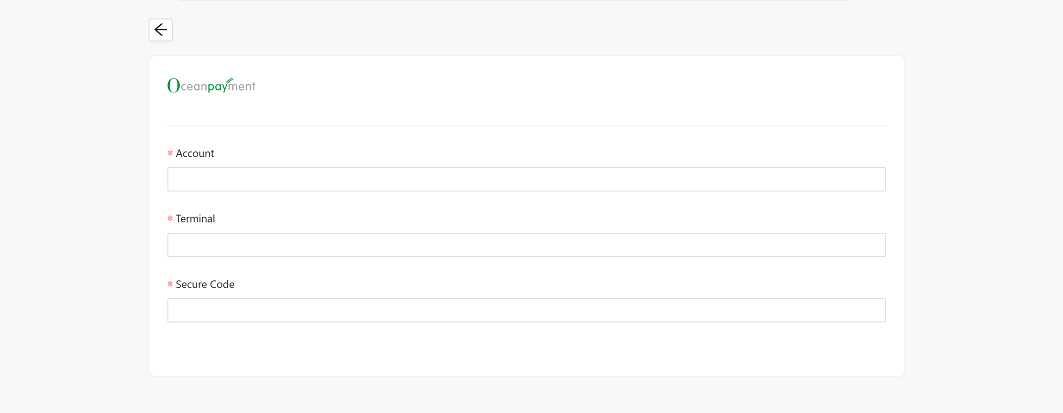
- Fill in the configuration information provided by Oceanpayment: Account, Terminal, and secureCode.
Uninstall
- Find the credit card payment method and click Disable.