Installation
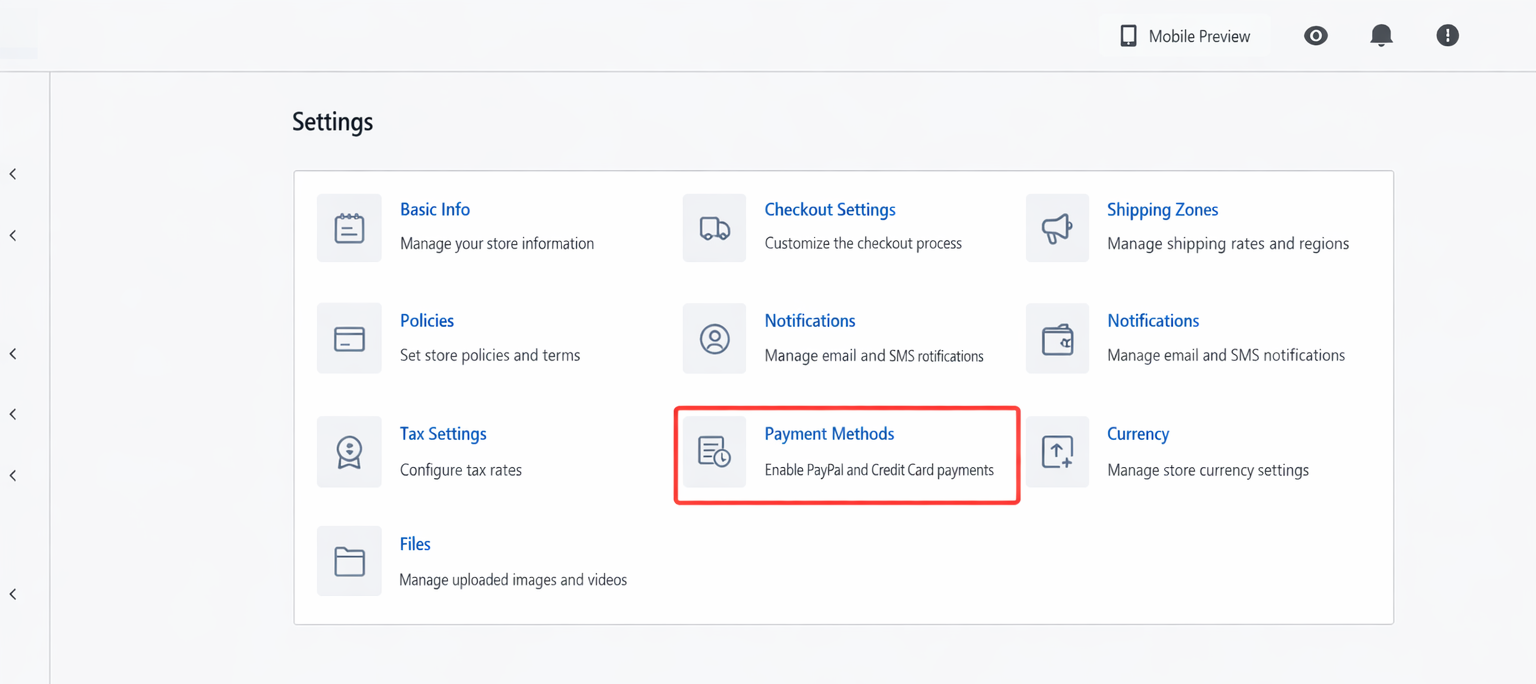
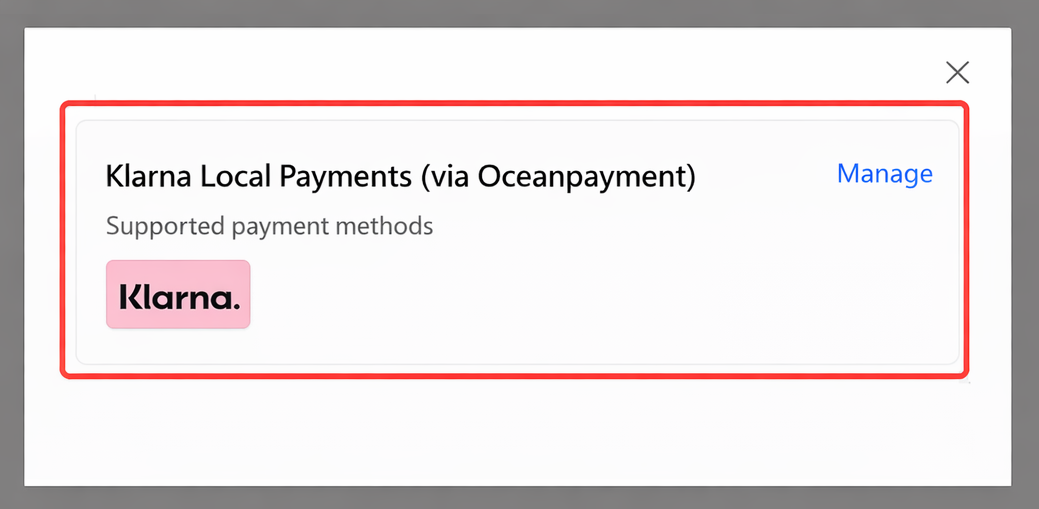
- Log in to the Shoprise store backend (https://shoprise.com/register), go to Settings - Payment Methods - Credit Card Payment - Add Payment Channel - Klarna Local Payment (via Oceanpay) → Activate.
Configuration Information
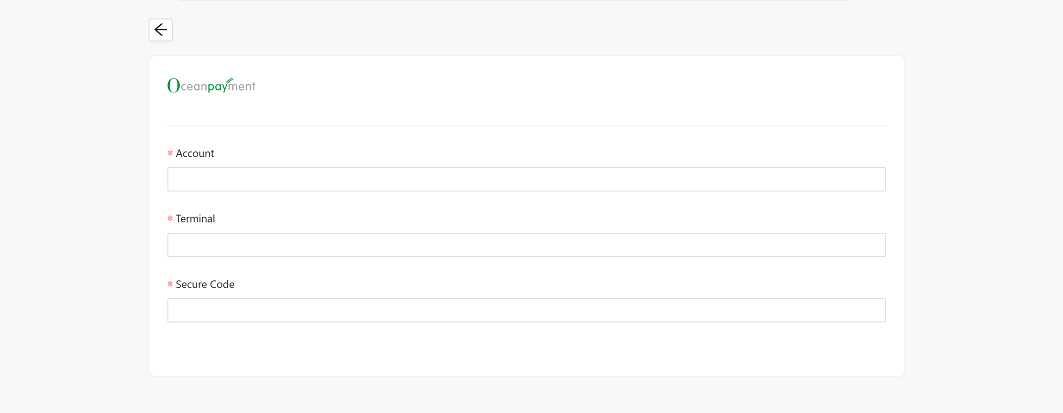
- Fill in the configuration information provided by Oceanpayment: Account, Terminal, and secureCode.
Authorization Function
The Klarna store backend offers automatic or manual authorization modes:
- Automatic Order Payment: Orders with pre-authorization pending after payment are automatically authorized.
- Manual Order Payment: Orders with pre-authorization pending after payment are processed. Manual authorization is required in the store backend or account backend to change the status from pre-authorization pending to authorization complete. Manual mode supports shipping first and then authorization (applicable to Klarna Manual Capture mode). In manual mode, merchants can manually authorize shipping or upload tracking numbers and then authorize shipping.
Uninstall
- Find the Klarna payment method and click Disable.