Installation
- Log in to the 2cShop store backend, go to 【Settings】-【Payments】-【International Credit Card Payments】-select Oceanpayment, and click Edit.


Configuration Information
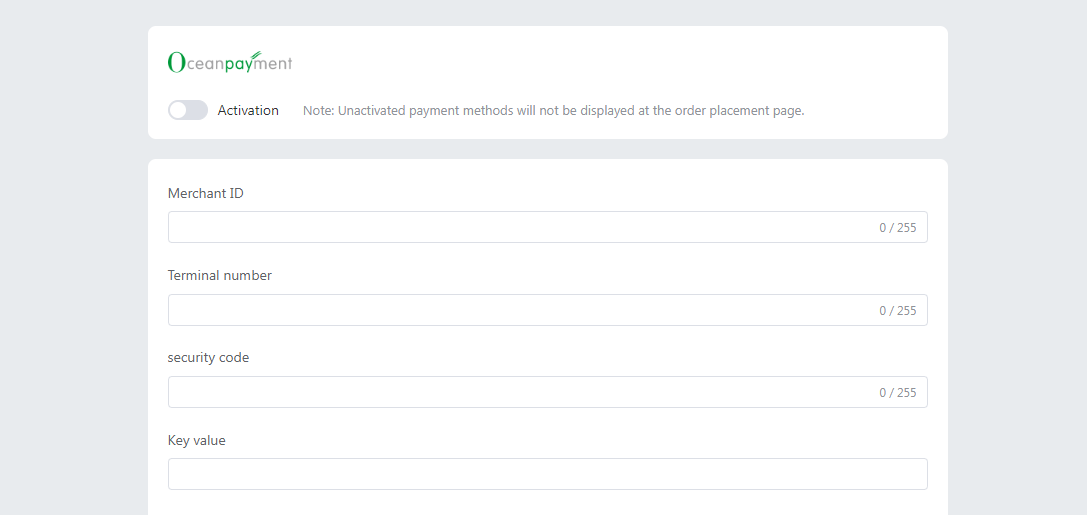
- Fill in the configuration information provided by Oceanpayment: account, terminal, secureCode, and Key.
Supported Card Types
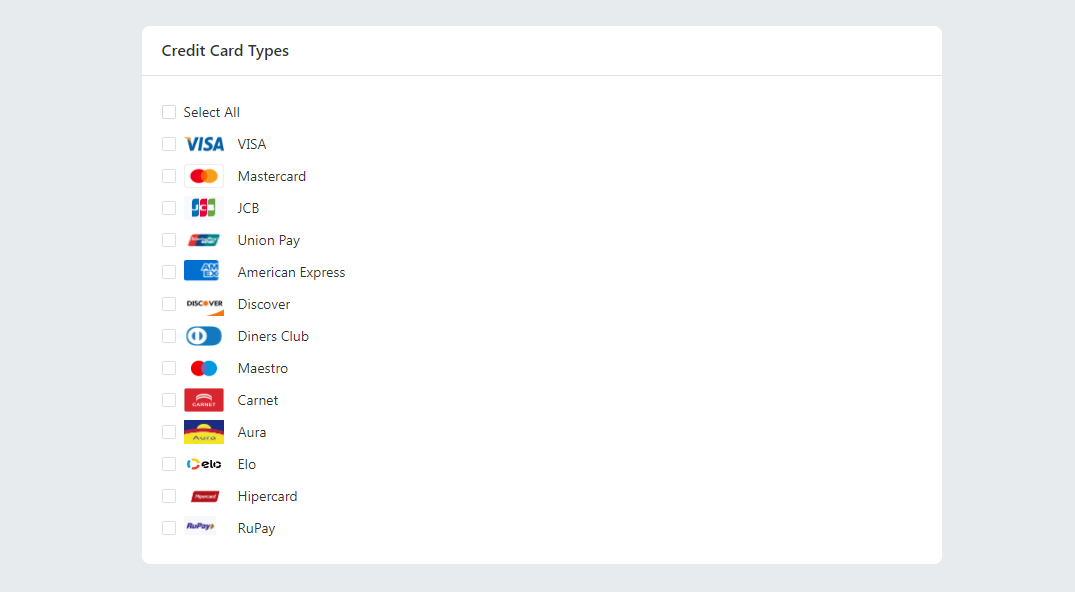
- Select the supported card types' logos; you don't need to select card types you haven't applied for.
Uninstall
- Find the credit card payment method and cancel activation.
