Installation

Step 1

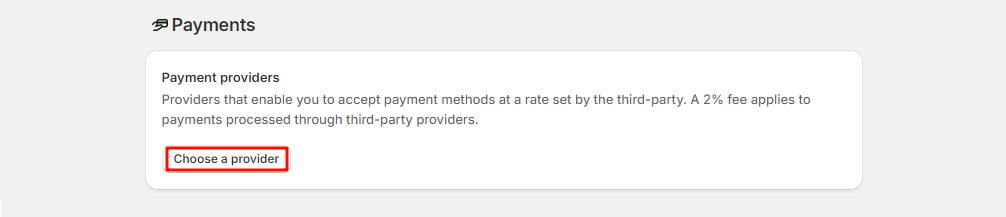
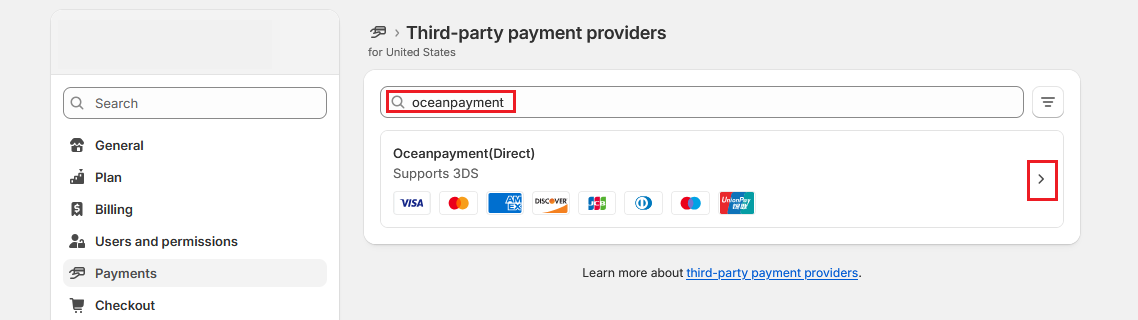
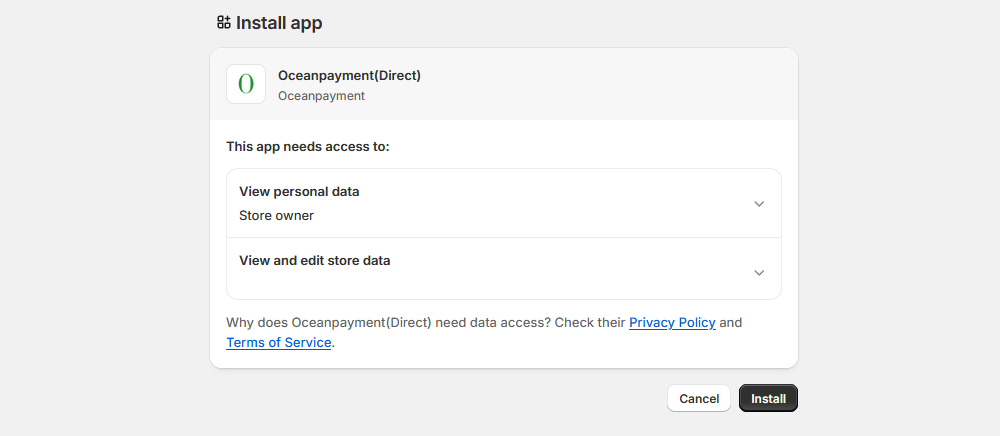
  1. Shopify admin, visit 【Settings】-【Payment】-【Payment providers】, Search:oceanpayment(Direct), Installation.

Step 2

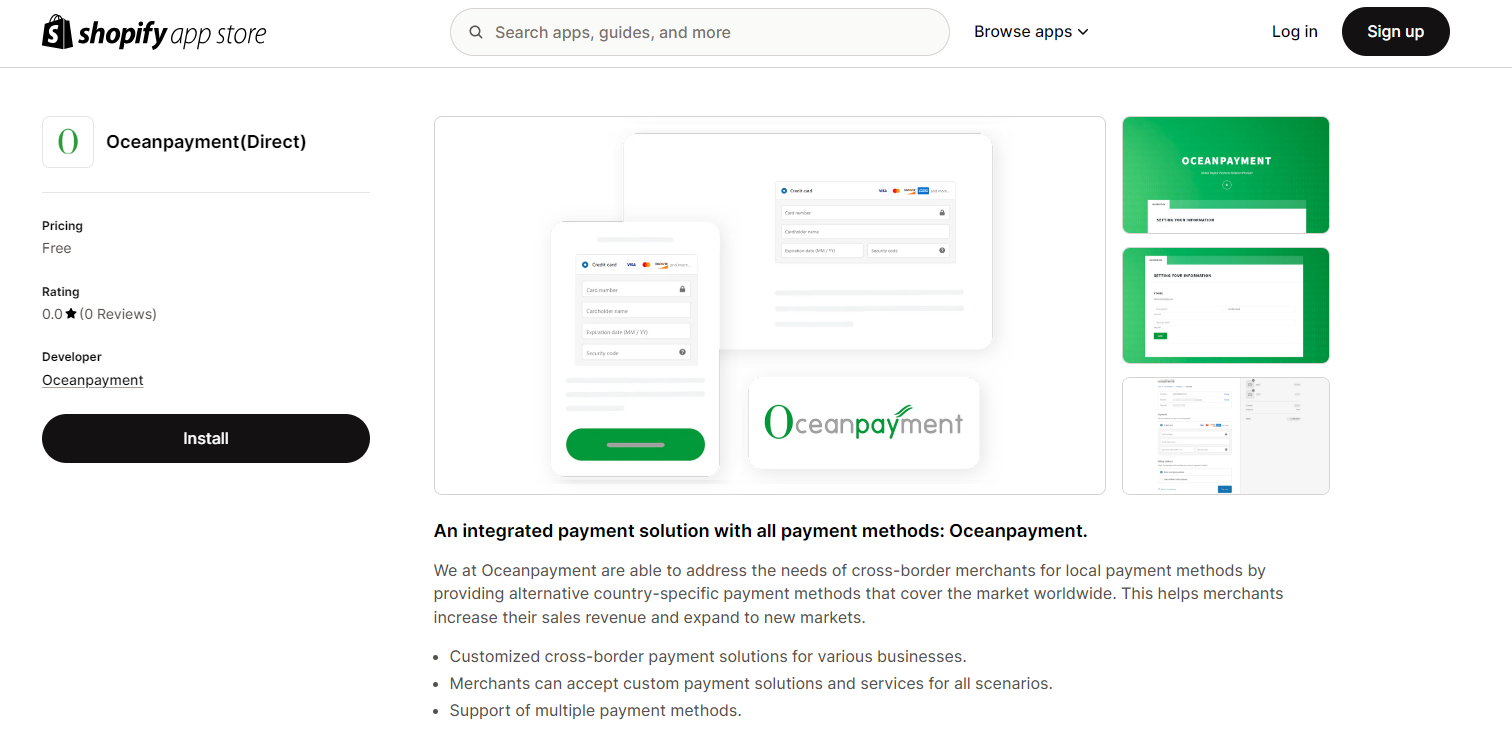
  1. Or install via Shopify App Store: https://apps.shopify.com/oceanpayment.

Configuration Information

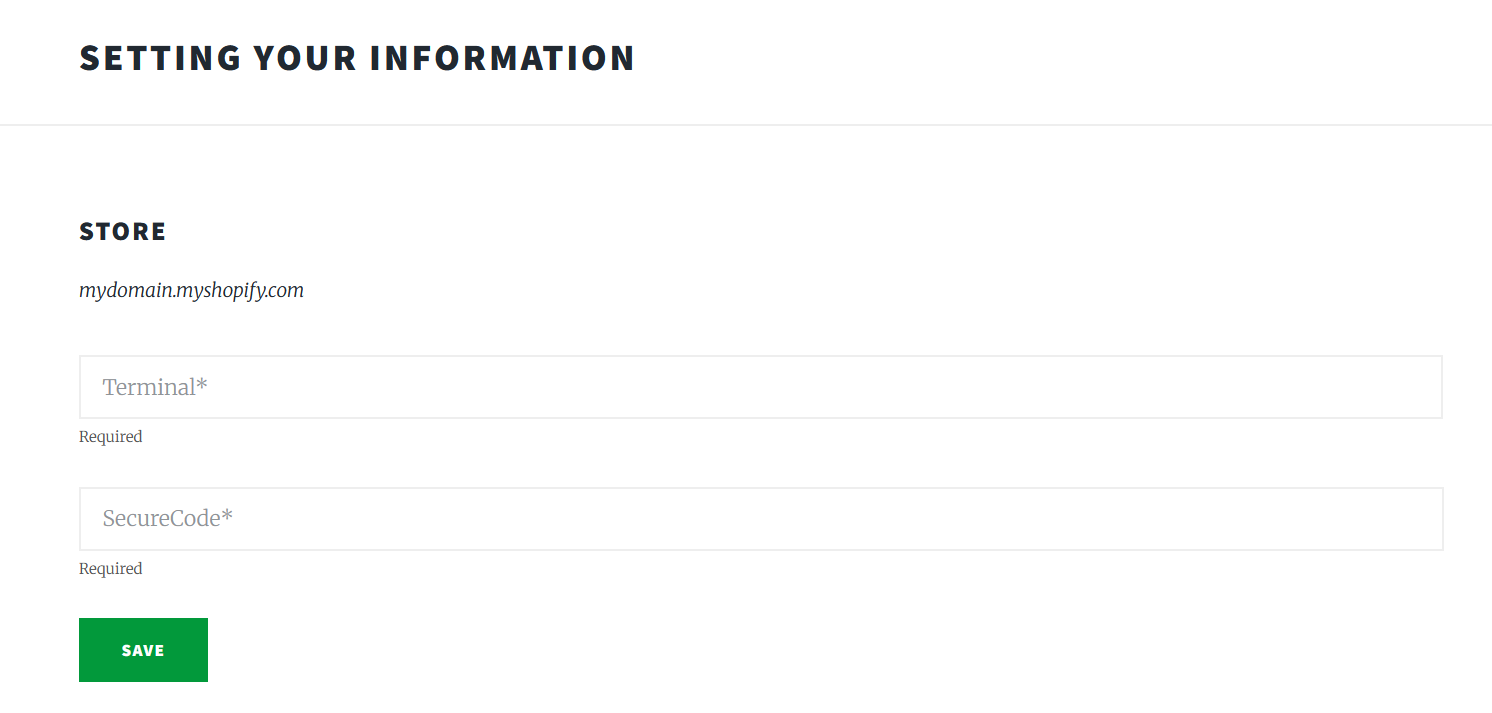
  1. Fill in the configuration information provided by Oceanpayment: Terminal, SecureCode, and save.

Supported Card Types

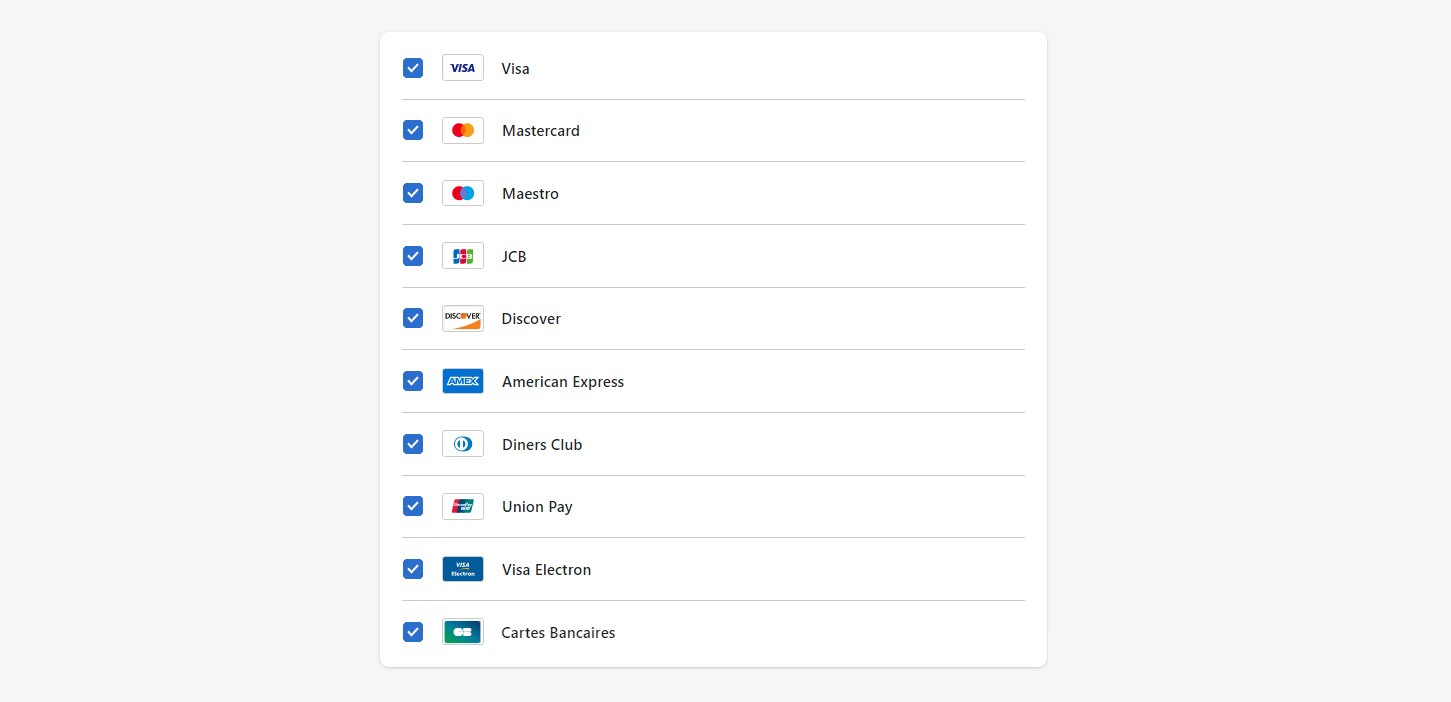
  1. Select the supported card types' logos. Do not select card types you have not applied for.

Environmental Description

  1. Disable Test mode for production.

Authorization Function

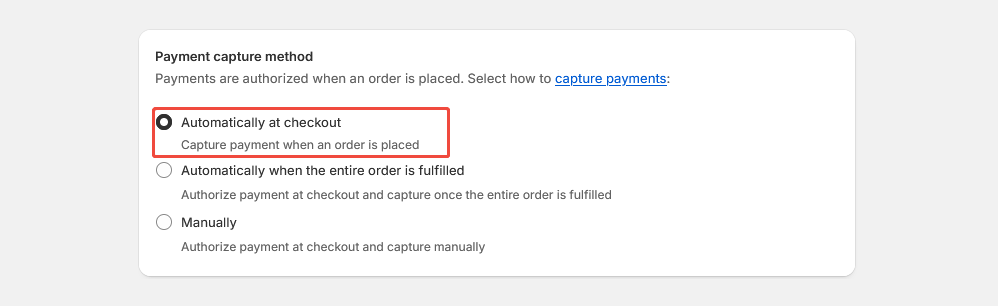
  1. Default: Automatic authorization at checkout, If you require manual authorization, contact Oceanpayment support.
  1. The default setting for transactions is automatic authorization: [Payment capture method] - [Automatically at checkout]. In this case, pre-authorized orders need to be authorized in the Oceanpayment account backend.
  2. When you set a transaction to manual authorization: 【Payment capture method】-【Manually】, the pre-authorized order will need to be authorized in the Shopify backend.
Uninstall

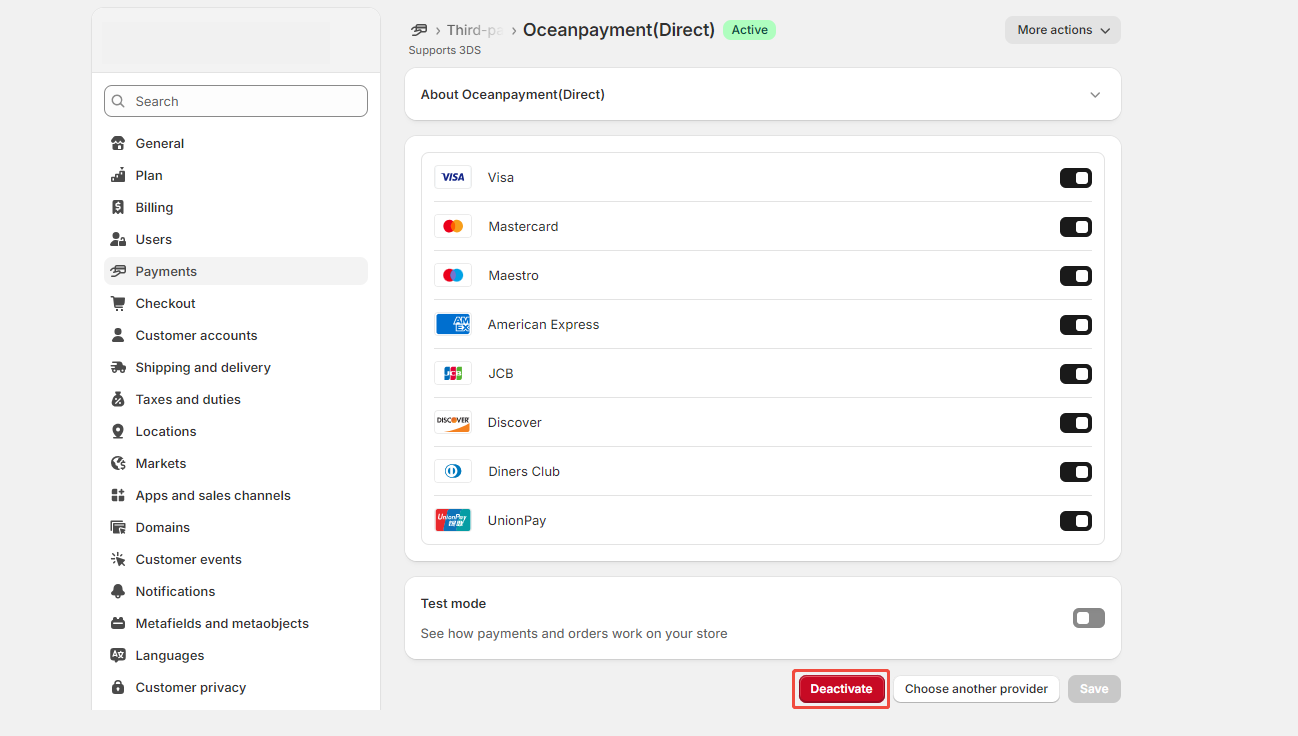
  1. In Settings - Payments, find the Oceanpayment(Direct) payment method and click Deactivate.