Installation
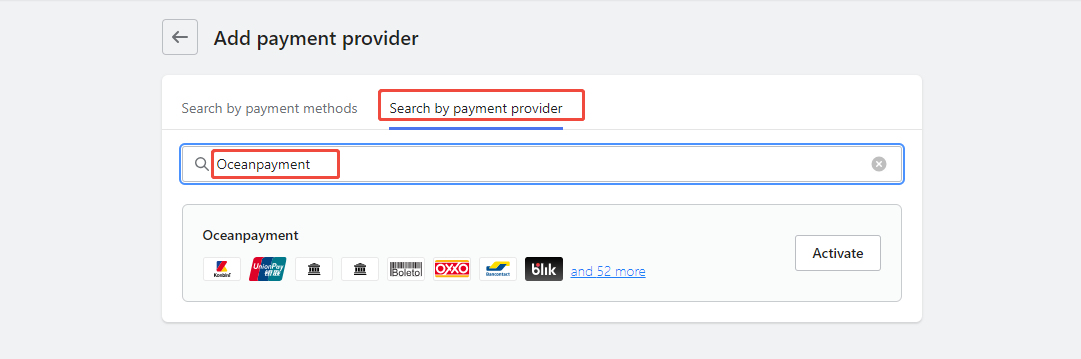
- Log in to the Shoplazza store backend (https://sso.shoplazza.com), go to Settings - Payments - Add Payment Service - Search by Payment Provider, search for: oceanpayment, and click Enable.
Configuration Information
- Select Oceanpayment - Korea.

- Fill in the configuration information provided by Oceanpayment: Account, Terminal, and SecureCode.

Add Payment Method
- Select the payment method you have applied for. You do not need to select any payment methods you have not applied for.
- Supported payment methods: Payco L.Pay SSG PAY KOR Credit Card KOR BankTransfer NaverPay Naverpoint

Logistics Synchronization
- Check the box for automatic synchronization of tracking numbers to activate.

Uninstall
- Find your Oceanpayment - Klarna payment method and click Disable.
