Installation
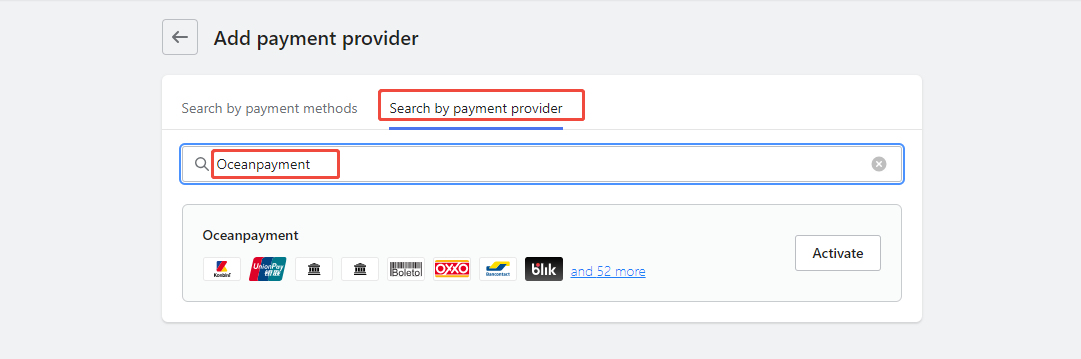
- Log in to the Shoplazza store backend (https://sso.shoplazza.com), go to Settings - Payments - Add Payment Service - Search by Payment Provider, search for: oceanpayment, and click Enable.
Configuration Information
- Select Apple Pay
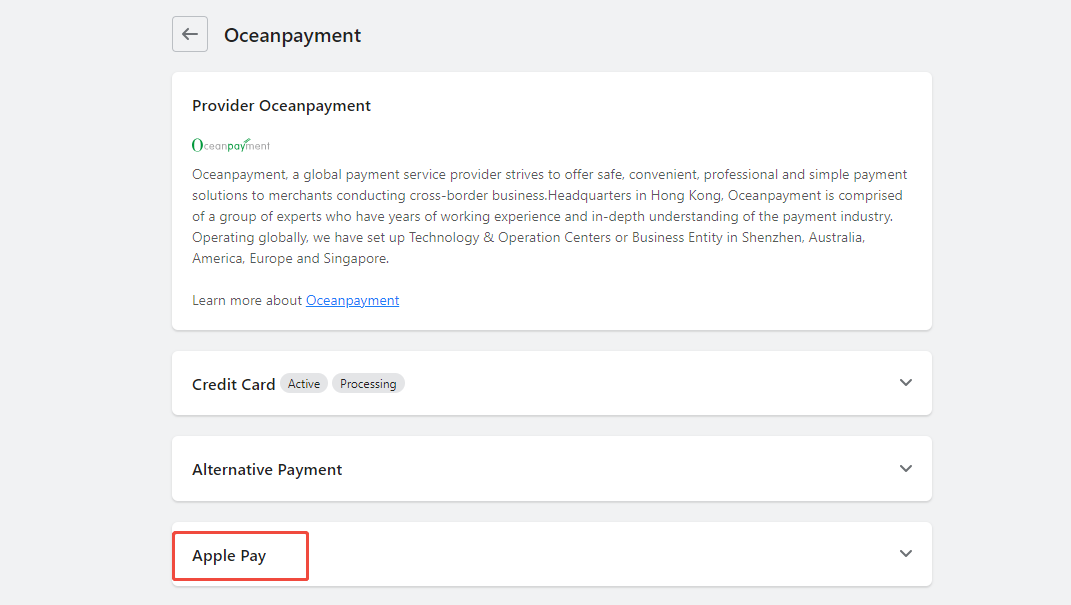
- Fill in the configuration information provided by Oceanpayment: Account, Terminal, and SecureCode. Account Country / Region: Select the country or region where your Oceanpayment account is registered.

Quick Pay
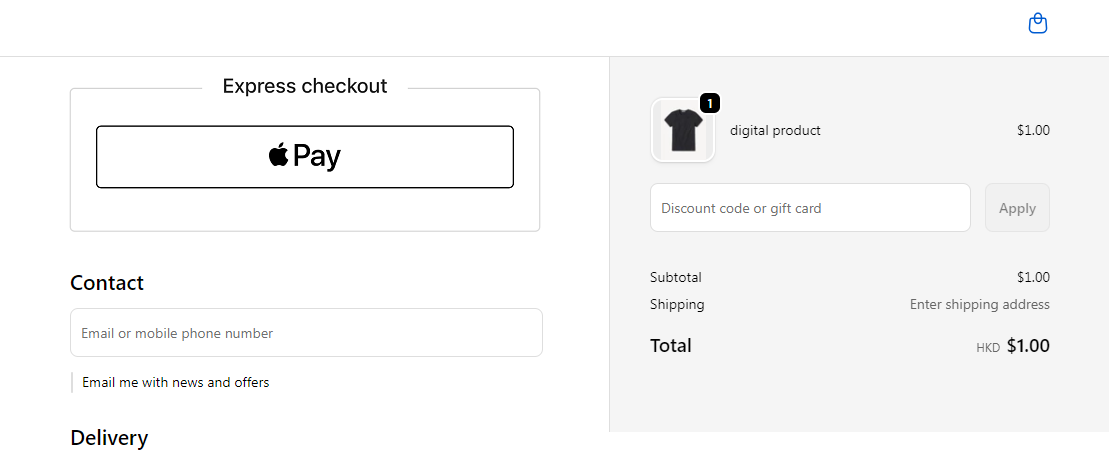
- The Quick Pay feature is enabled by default.

- Front-end display
Logistics Synchronization
- Check the box for automatic synchronization of tracking numbers to activate.

Uninstall
- Find your Apple Pay payment method and click Disable.
