NOTE
Ueeshop integrates with Oceanpayment's local payment system through aggregated payment, supporting all local payment methods available through Oceanpayment.
Installation
- Log in to the Ueeshop store backend, go to 【Settings】-【Payment Collection】-【Aggregated Payments】-select Oceanpayment, and click Activate.

Configuration Information
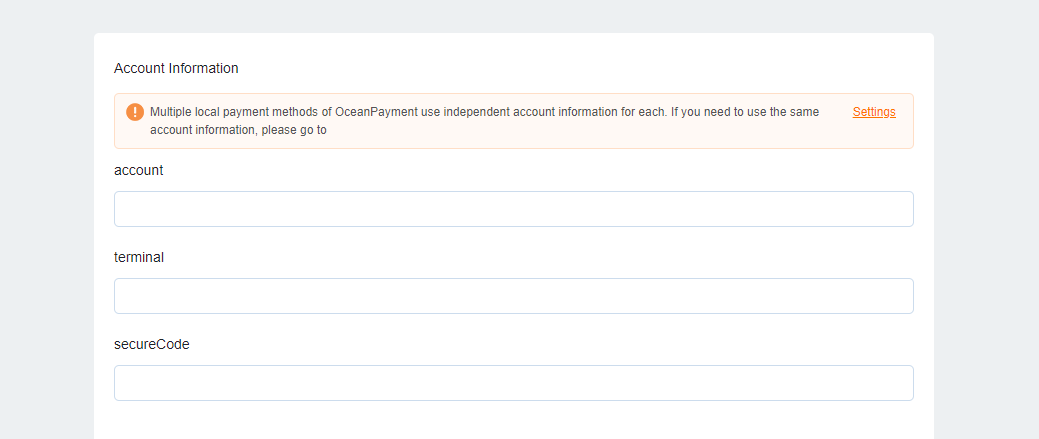
- Fill in the configuration information provided by Oceanpayment: account, terminal, secureCode.
Payment Methods
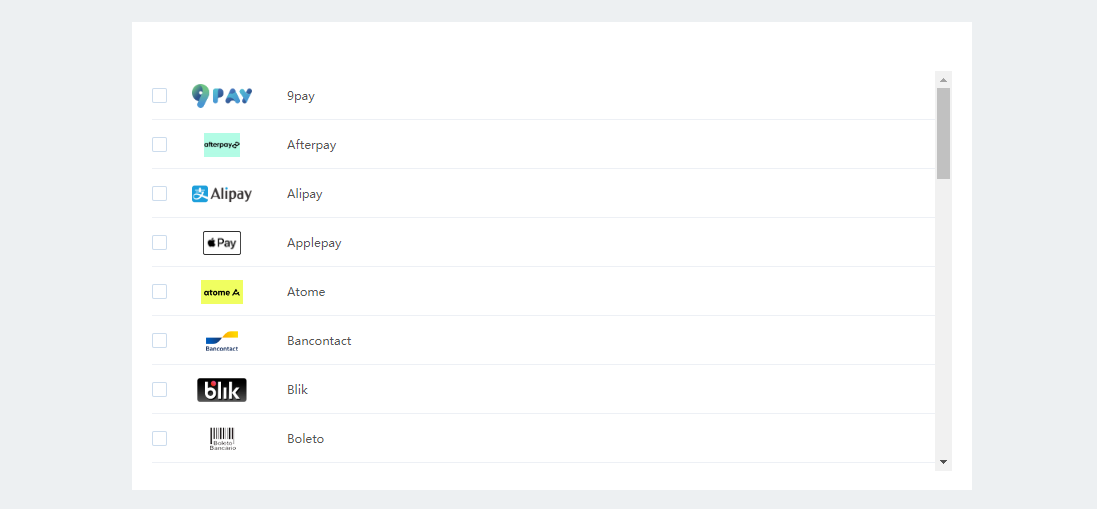
- Select the supported card types' logos. Do not select card types you have not applied for.
Uninstall
- Find the local payment method and click Disable.
