NOTE
Shoplline integrates with Oceanpayment's Alternative Payments system through aggregated payment, supporting all local payment methods available through Oceanpayment.
Installation
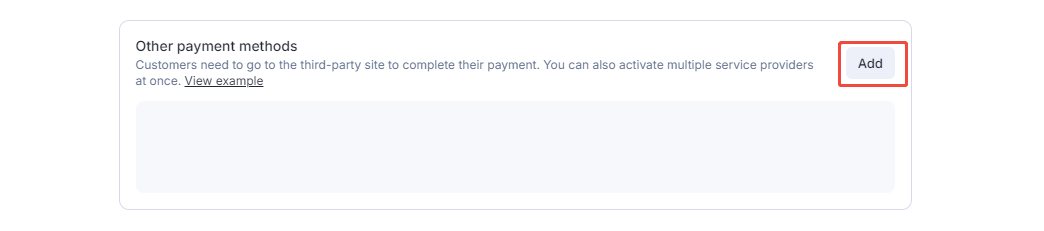
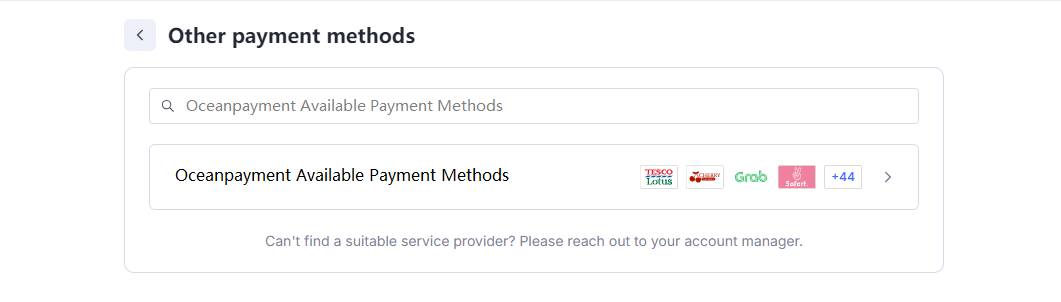
- Log in to the Shoplline store backend (https://admin.myshopline.com), go to Settings - Payments - Other Payment Methods - Add, search for: Multiple payments, and click Enable.
Configuration Information
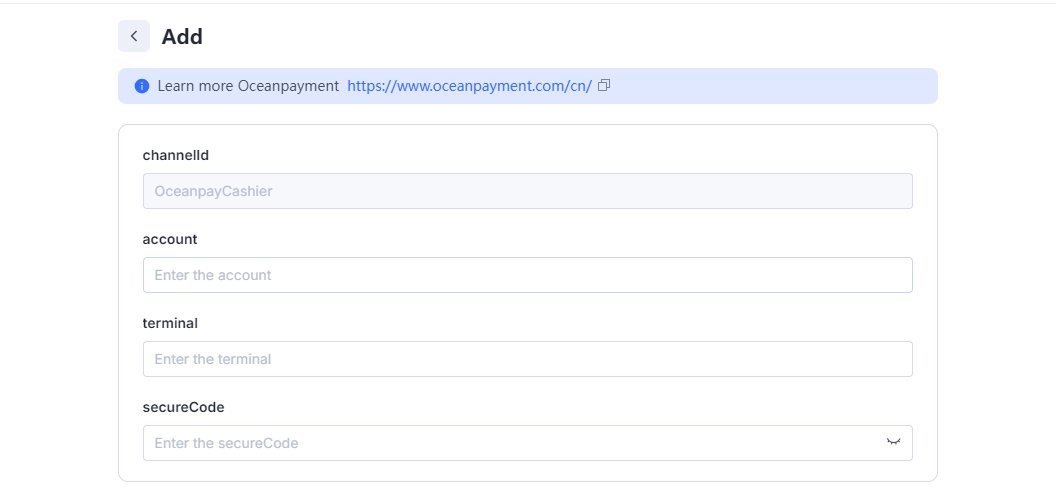
- Fill in the configuration information provided by Oceanpayment: account, terminal, and secureCode.
Payment Logo
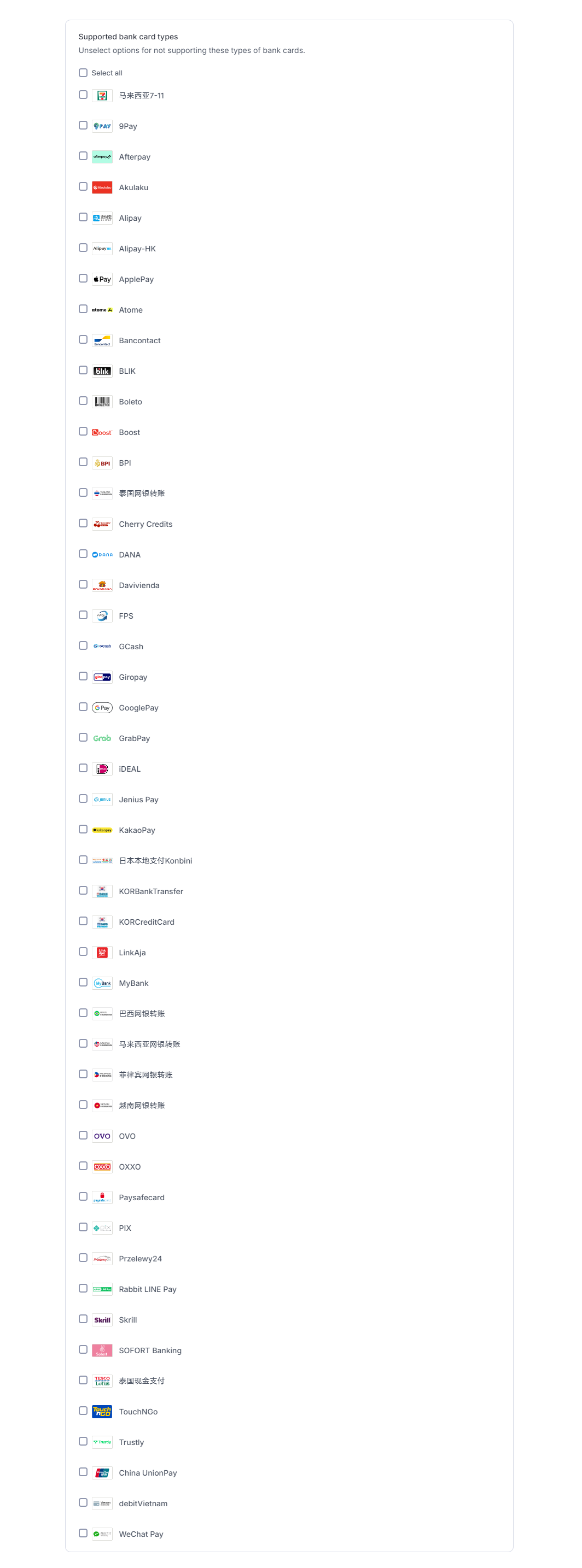
- Select the supported payment methods, you don't need to select any methods you haven't applied for.
NOTE
If you cannot find the payment method you need to select, you can select one by default, and the payment function will not be affected.
Uninstall
- Find the Multiple payments method and click Disable.
