Installation
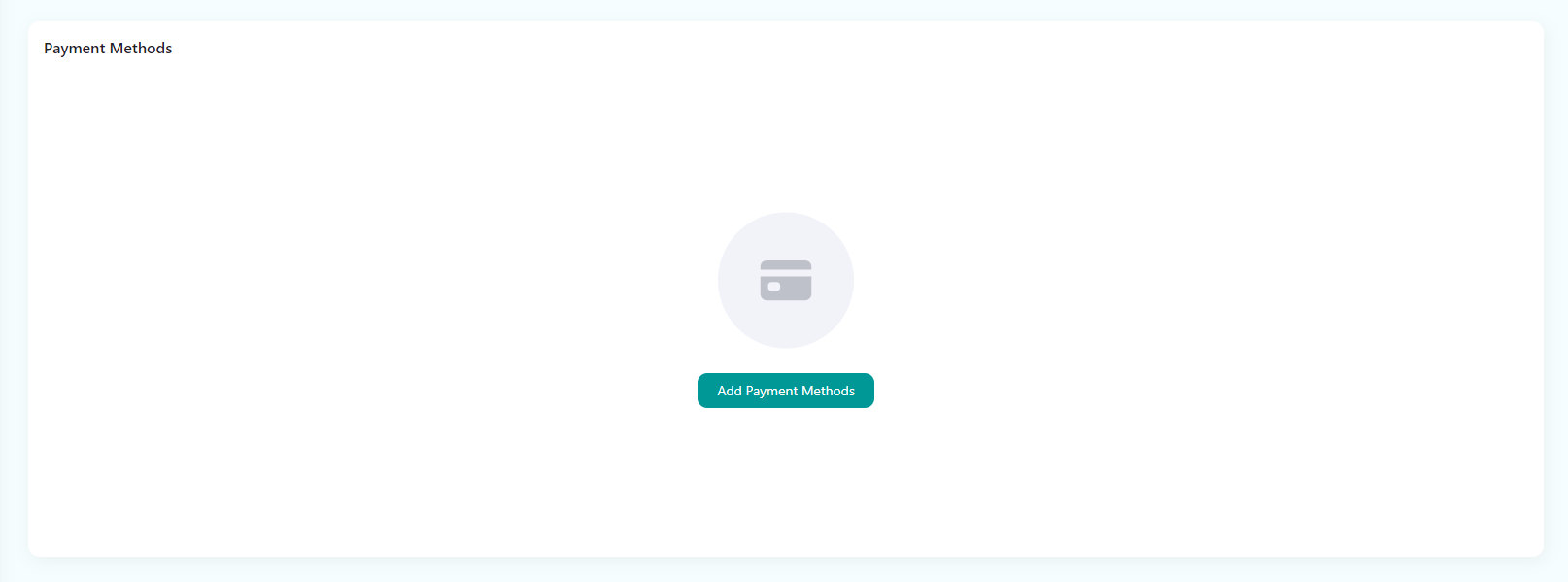
- Log in to the Meshop store backend (https://www.meshopstore.com), go to Basic Configuration - Payment Management, and select Oceanpayment Klarna.
Configuration Information
- Fill in the configuration information provided by Oceanpayment: account, terminal, and secureCode.

Exhibition Area
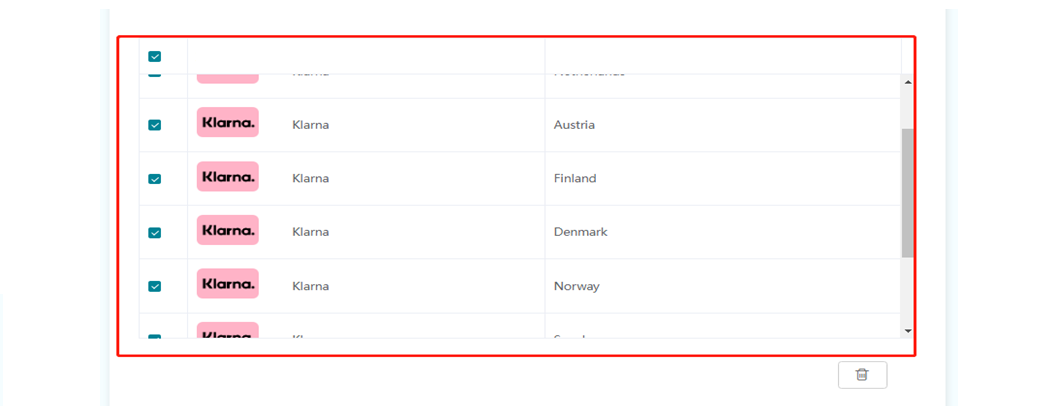
- Select the countries and regions supported by Oceanpayment.
Uninstall
- Find the Credit Card payment option and click close.
