Installation
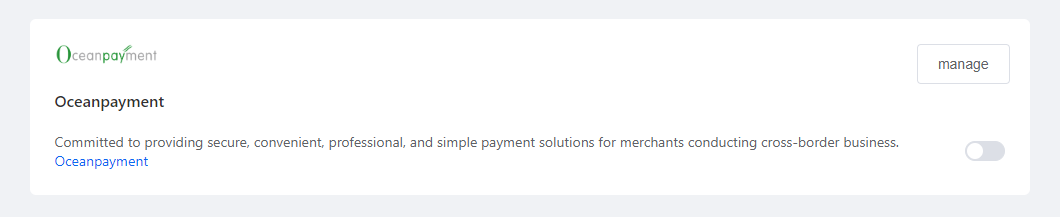
- Log in to the Fecify store backend, go to 【Settings】-【Payment Settings】and select Oceanpayment local payment.
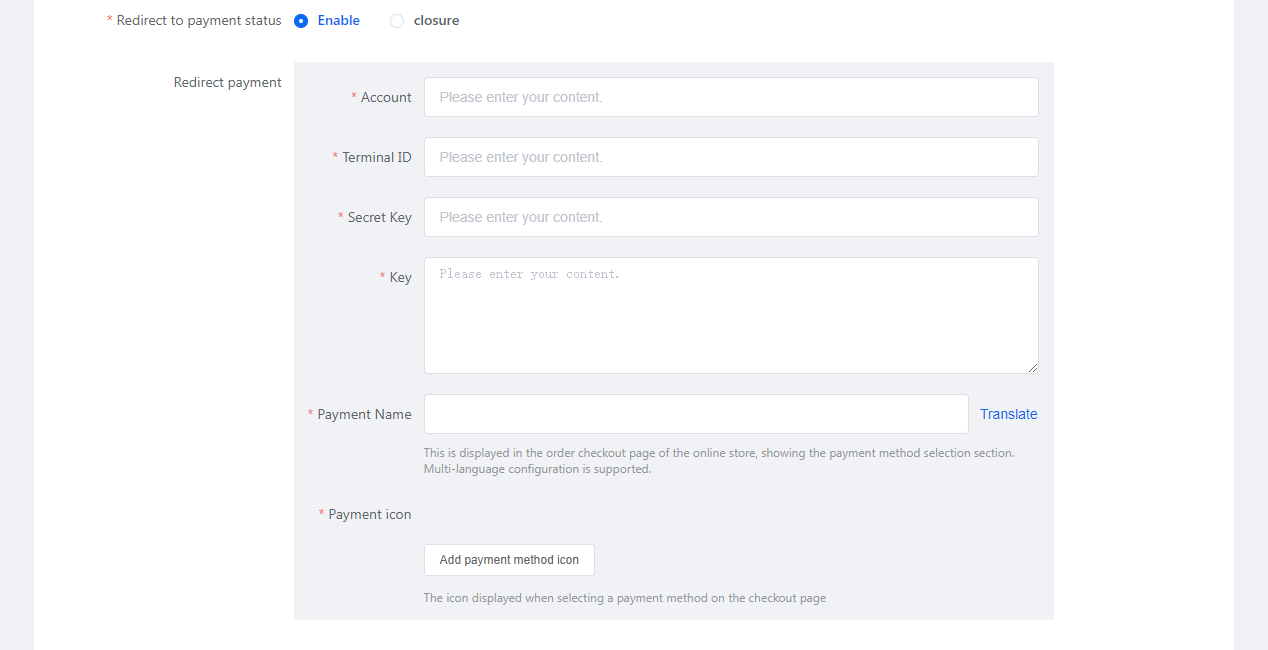
Configuration Information
- Fill in the configuration information provided by Oceanpayment: account, terminal, secureCode, Key.
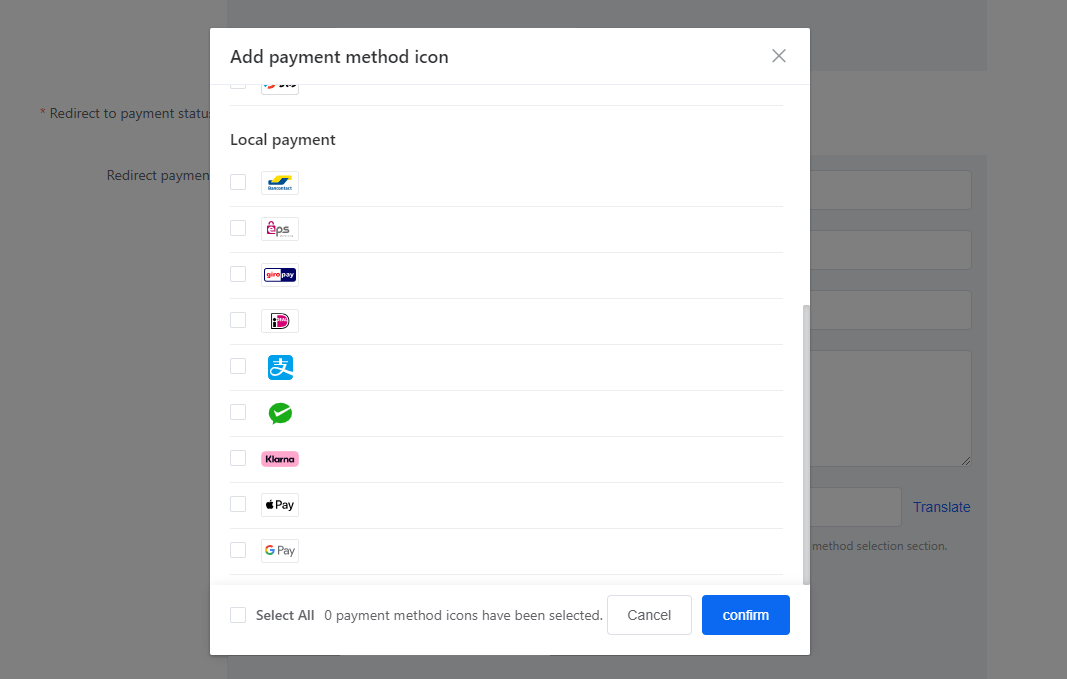
Payment Methods
- Select the payment methods you want to enable; do not select payment methods that you have not applied for.
- Supported payment methods: Bancontact EPS Giroay iDEAL AliPay WeChatPay Klarna ApplePay GooglePay
Uninstall
- Find the local payment method and turn it off/on.